
Step 1:
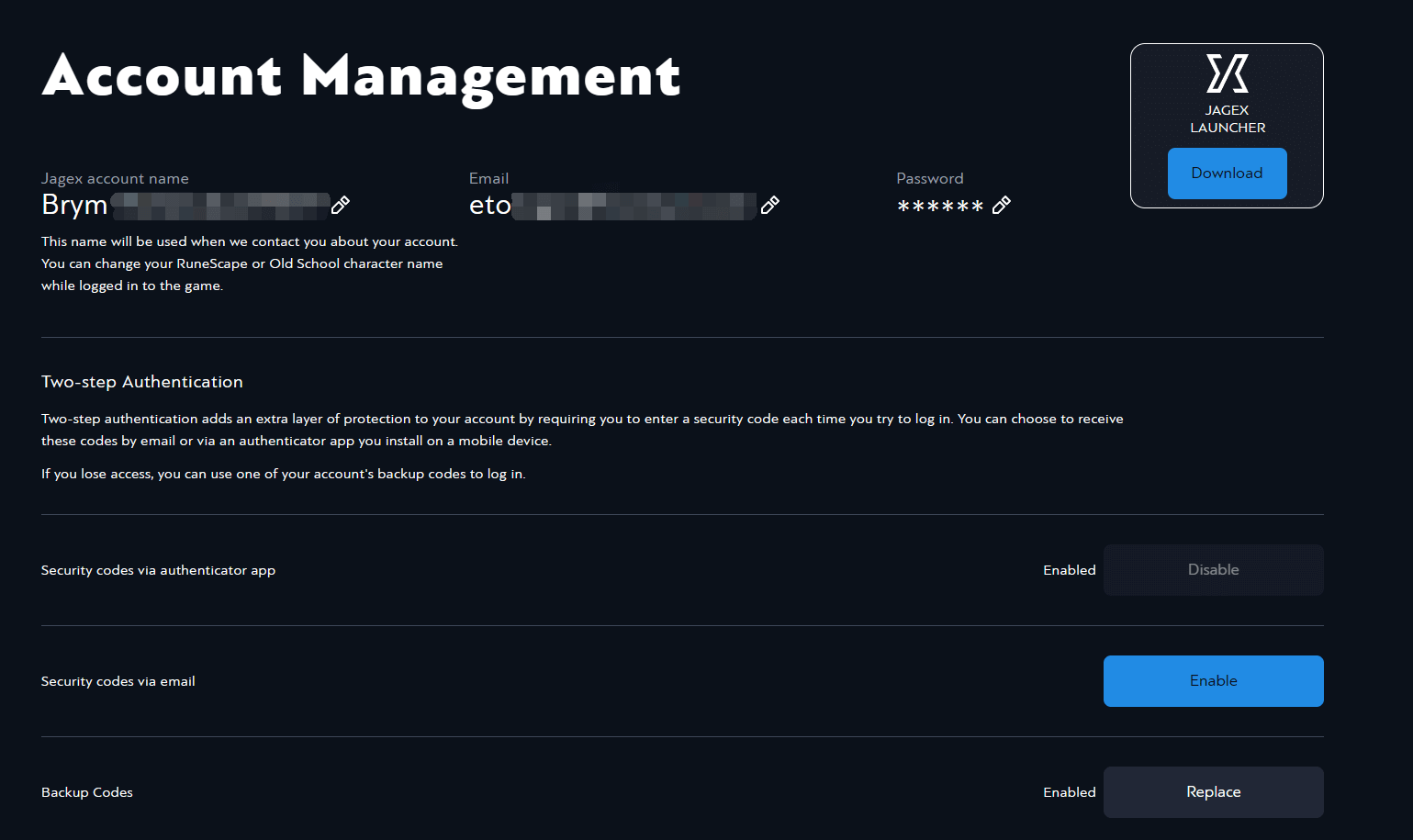
Log in to your Jagex account and go to the Account Management page.
Step 2:
Enable Security Codes using an authenticator app (Google Authenticator or Microsoft Authenticator is recommended).
Step 3:
After enabling, you will receive 10 one-time-use backup codes.
-
Download and save them in a safe place.
-
Confirm “I have kept my backup codes in a safe place” and click Finish (this button remains inactive until confirmation).
Note: If any backup codes have already been used, click Replace to generate a new set and provide the updated codes.
Was this article helpful?
Yes / No
Have more questions? Online Support
Helpful | Thanks for your feedback!