


FAQS Details
EA Origin Backup Codes Guide
ORIGIN BACKUP CODES
Step 1:
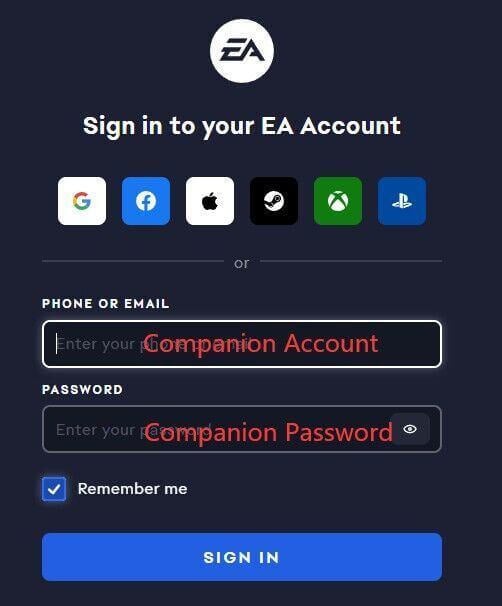
Go to the official EA security page: https://myaccount.ea.com/cp-ui/security/index
Step 2:
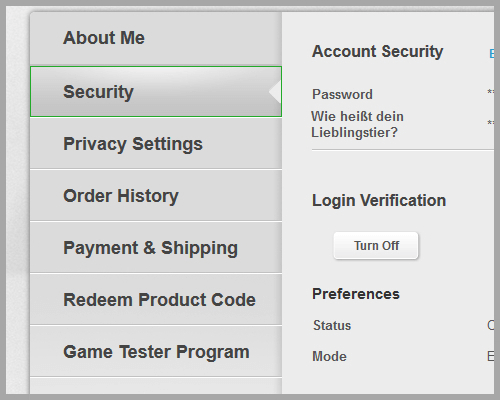
Click Security in your account settings.
Step 3:
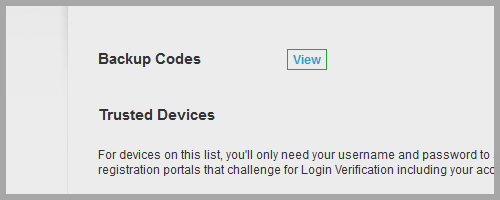
Press View Backup Codes to access your recovery codes.
Step 4:
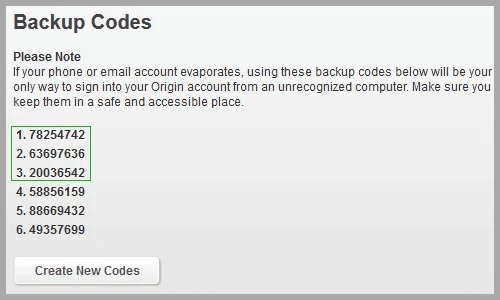
Use backup codes 1–6 when needed.
If some codes are already used, click the button to generate new ones.
Was this guide helpful?
Yes / No
Need help? Contact Online Support
Helpful | Thanks for your feedback!
